
This document is the user manual for WL830RT4 Wireless G Broadband Router, which provides information about the specifications, requirements, device design, hardware setup, network planning, configuration settings, and security of the router.
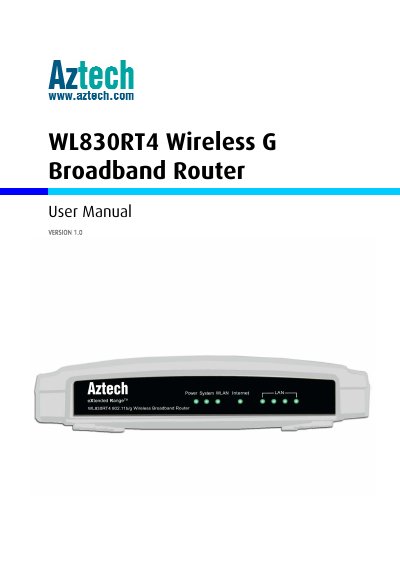
This manual describes the components, basic operation, and advanced configuration options of the WL830RT4 router. It guides users through hardware setup, connecting to the Internet, and using the browser‑based Web Manager for network management.
The document also covers security features, firmware updates, troubleshooting, and regulatory compliance. Detailed sections on LED indicators, port functions, and reset procedures help both end users and service technicians maintain the device.
| Radio Data Rate | 54/48/36/24/18/12/9/6Mbps or 11/5.5/3/2/1Mbps |
|---|---|
| Ports | 1 WAN RJ45 (10/100M Auto‑Neg) and 4 LAN RJ45 (10/100M Auto‑Neg) |
| Power Supply | 9 V ~ 0.8 A |
| Operating Temperature | 0 °C ~ 40 °C (32 °F ~ 104 °F) |
| Dimensions (without antenna) | 7.3 × 5.7 × 1.7 in (186 × 146 × 44 mm) |
| Wireless Standards | IEEE 802.11b/g |
| Security Protocols | WEP, WPA, WPA2 (up to 152‑bit encryption) |
Unplug the power, press and hold the RESET button while plugging the power back in for 3‑4 seconds, then release the button.
The router supports WEP, WPA, and WPA2 authentication standards.