
This manual describes how to set up and use the AirStation WHR-G300N Wireless N Router and AP.
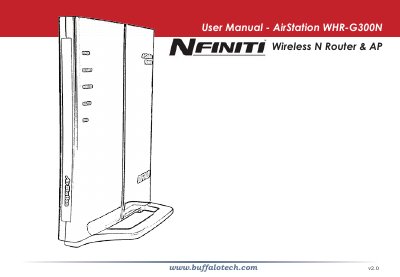
This manual covers everything needed to install and operate the Buffalo WHR‑G300N AirStation wireless N router and access point. It includes initial placement advice, wiring instructions, default network settings, and step‑by‑step guidance for using the web‑based configuration tool.
Later sections detail the device’s technical specifications, security options, firmware update process, FCC compliance, warranty information, and contact details for technical support in multiple regions.
| Wireless LAN Standards | IEEE 802.11n Draft 2.0, IEEE 802.11g, IEEE 802.11b |
|---|---|
| Frequency Range | 2.412‑2.462 GHz |
| Antennas | Dual internal antennas |
| Security | WPA2‑PSK, WPA‑PSK, WEP, MAC Address Registration |
| Wired LAN Standards | IEEE 802.3u (100BASE‑TX), IEEE 802.3 (10BASE‑T) |
| Ethernet Ports | 4 LAN ports 10/100 Mbps RJ‑45 auto‑sensing |
| WAN Port | 1 WAN port 10/100 Mbps with Dynamic Packet Filtering and NAT/SPI firewall |
| Operating Temperature | 32 °F – 104 °F (0 °C – 40 °C) |
| Power Supply | 100‑240 V AC universal, 50/60 Hz |
| Power Consumption | ≈ 24 W (max) |
The default LAN IP address is 192.168.11.1 with a subnet mask of 255.255.255.0.
It provides four 10/100 Mbps RJ‑45 LAN ports.
The router supports WPA2‑PSK, WPA‑PSK, WEP, and MAC address registration.
Maximum power consumption is about 24 W.