
This document is a user guide for the WRT610N (EU) model simultaneous dual-band wireless router. The guide includes descriptions of various icons and links to online resources. The document also contains copyright and trademark information regarding Linksys.
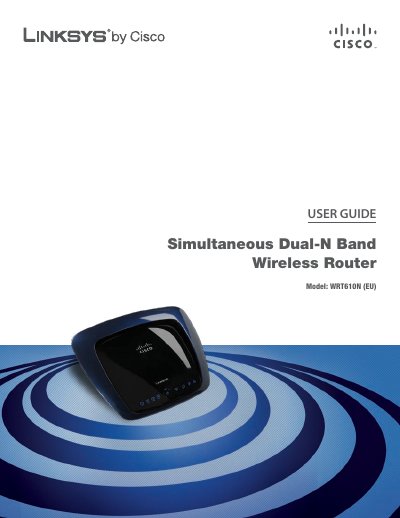
This guide covers the Linksys WRT610N dual‑band wireless router, describing its hardware features, LED indicators, and built‑in storage capabilities. It walks users through basic installation, wall‑mounting, and initial setup using the web‑based utility.
Key sections include a product overview, wireless security checklist, advanced configuration options, storage setup, access restrictions, applications and gaming, administration tools, status monitoring, and detailed specifications. Appendices provide troubleshooting tips, warranty information, regulatory details, and software licensing.
| Model | WRT610N |
|---|---|
| Number of Antennas | 3 |
| Power | 12V 1.5A |
| Dimensions | 225 x 35 x 180 mm |
| Weight | 452 g |
| Wireless Standards | 802.11n, 802.11a, 802.11g, 802.11b |
Press and hold the Reset button for about five seconds, or use Administration > Factory Defaults in the web utility.
The default password is "admin".
The router provides four Ethernet ports (1‑4).