
This manual introduces how to use the AR670W 150N wireless router's features and characteristics, including connecting the router, configuring the router, connecting to the router's wireless network, etc.
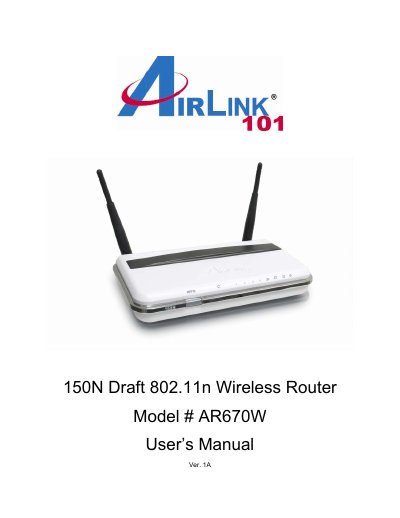
This manual introduces the AirLink AR670W 150N wireless router, lists the package contents, and outlines its key features such as dual 2 dBi antennas, IEEE 802.11n draft 2.0 support, and WPA/WPA2 security. It also explains the recommended use with AirLink101 150N/300N adapters.
The guide walks you through connecting the router to a modem and PC, accessing the web configuration utility (http://192.168.1.1) with the default admin/admin credentials, configuring wireless settings, security options, QoS, and advanced features. Appendices provide full specifications, FCC/CE compliance information, and technical support contacts.
| Standards | IEEE 802.11b / 802.11g / IEEE 802.11n draft 2.0 |
|---|---|
| Ports | 1 WAN port, 4 x 10/100 Mbps LAN ports |
| Antenna type | 2 external 2 dBi antennas |
| Security | WEP 64/128‑bit, WPA, WPA2 |
| Power | 5 V / 2 A |
| Dimensions | 225 × 120 × 30 mm (L × W × H) |
| Operating Temperature | 0 °C to 45 °C |
| Warranty | Limited 1‑year warranty |
The default username and password are both "admin".
Press and hold the reset button at the back of the router for 10 seconds while it is powered on.
It supports WEP 64/128‑bit, WPA, and WPA2 security protocols.
Enter 192.168.1.1 in a web browser’s address bar.