
ThinkPad 12.7mm Serial ATA Hard Drive Bay Adapter III is used to contain the 2.5-inch Serial ATA hard disk drive
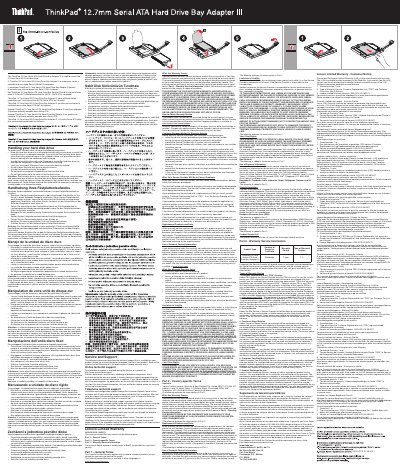
This manual provides instructions for safely handling and installing a 2.5-inch SATA hard drive using the ThinkPad 12.7mm Serial ATA Hard Drive Bay Adapter III. It includes precautions to avoid damaging the drive or losing data, such as using an anti-static bag and handling the drive by its edges. The guide also covers warranty support and technical assistance available through Lenovo.
The document is multilingual, with instructions provided in multiple languages including English, French, German, Spanish, Italian, Portuguese, and Czech, to assist users worldwide.
Handle the hard disk drive with care. Dropping or jarring the hard disk drive can damage the components inside the hard disk drive housing.
Before removing the hard disk drive, make a back-up copy of all the information on the hard disk drive, and then turn the computer off.