
Nokia E71 user guide, this guide introduces the features and functions of the Nokia E71 phone, including the phone's operation, functions, settings, etc.
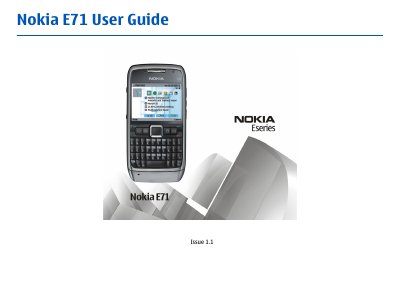
This guide covers everything you need to start using your Nokia E71, from inserting the SIM and battery, charging, and basic navigation of the home screen and menus. It also explains how to make voice and video calls, send messages, and use internet and GPS features.
Safety instructions, network compatibility, and troubleshooting tips are included, along with details on connectivity options such as Bluetooth, infrared, and USB, and guidance on security, data backup, and software updates.
The device is approved for use on the (E)GSM 850, 900, 1800, and 1900 networks, and UMTS 850/1900 HSDPA networks.
No – you must switch the device off when in an aircraft.
Switch the device off and disconnect the charger before removing the battery.