
This is the user manual for ANTEC KS 282 mid tower case
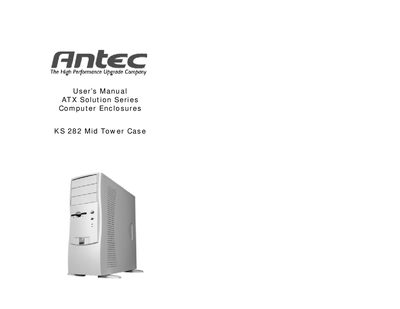
This manual covers the Antec KS 282 Mid Tower Case, a high‑performance computer enclosure designed for easy assembly and component installation.
It includes detailed procedures for unpacking, removing the case panels, installing the motherboard, connecting power and front‑panel connectors, mounting 3.5" and 2.5" drives, wiring IDE devices, and installing optional 80 mm fans.
| Case type | Mid Tower |
|---|---|
| Optional fan size | 80 mm |
| Power supply fan location | Rear |
Place the case upright, align the motherboard with the standoff holes, install brass standoffs, then secure the motherboard with the provided Phillips‑head screws.
Connect the Reset (labeled RESET SW) connector to the RST pins on the motherboard, with the label facing the front of the case.
The KS 282 can accommodate two optional 80 mm fans, one in the front and one in the rear.