
This is a user manual for Teklogix 8570 vehicle-mount computer
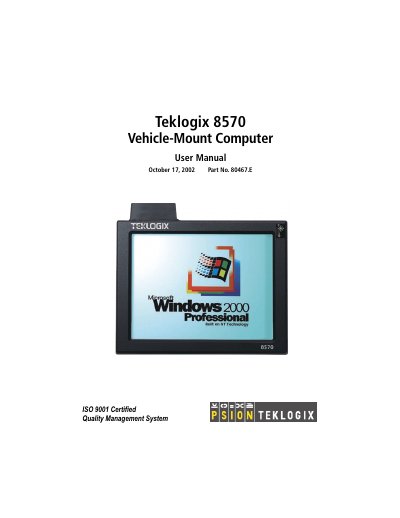
This manual provides detailed instructions for installing, operating, and maintaining the Psion Teklogix 8570 vehicle-mounted computer. It includes sections on unboxing, connecting accessories, configuring the system, and troubleshooting common issues. The document also covers hardware specifications, environmental requirements, and safety guidelines for use in vehicle environments.
The 8570 is designed for industrial and commercial applications, with support for external peripherals like keyboards, mice, and printers. It includes a touch screen display and multiple ports for connectivity. The manual also addresses installation in freezer and outdoor environments, and provides guidance for software installation and BIOS firmware management.
| Physical Dimensions | Not specified in text |
|---|---|
| Environmental Characteristics | Not specified in text |
| Standard Display | Not specified in text |
| Power Requirements | Not specified in text |
| Standard Processor and Memory | Not specified in text |
| Network Interface | Not specified in text |
| Operating System | Standard Operating System … 8 4 |
Psion Teklogix warrants a return-to-factory warranty for 90 days from shipment or 120 days if they install the equipment.
Mount the 8570 using provided brackets, connect cables, and ensure proper power and antenna placement as described in Chapter 4.
The 8570 supports Windows 98 and Windows 2000, with specific installation procedures provided.
Check connections, ensure proper power, and refer to Chapter 6.3.1 for detailed steps.