
Nemo Excel Dive Computer User Guide

This is a user manual for a dive computer
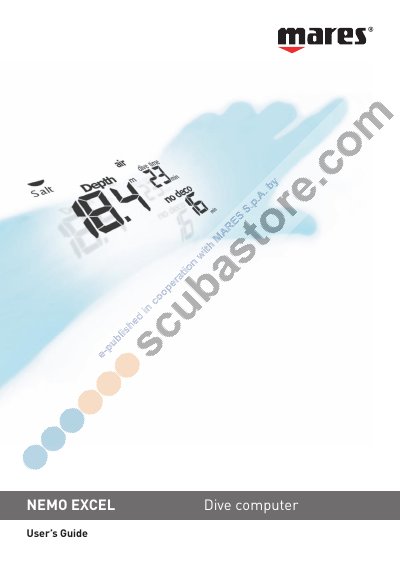

Nemo Excel Dive Computer User Guide - cover page
Brand
Nemo
Document type
User Manual
Language
English
Pages
20
File format
PDF
File size
3 MB
Published
01 June, 2012
Updated
30 September, 2023
MD5 checksum
E85CA5F9C8290E6872E54CC95AF57D8E

About this manual

This guide provides step‑by‑step instructions for configuring the Nemo Excel dive computer, including time, date, alarm, temperature units, and dive parameters. It also covers the main navigation menus, quick‑start functions, and how to switch the device on and off.

Safety recommendations, responsible diving practices, and troubleshooting tips are included, along with detailed explanations of air, nitrox, and free‑dive modes. The manual also describes how to clear residual nitrogen memory and perform basic maintenance such as battery and strap replacement.

What's inside

  • Responsible Diving Practices
  • Quick Start Guide
  • Time Menu Settings
  • Setting the Date and Time
  • Main Menu and Off Mode
  • Dive Menu Settings
  • Set Dive – Data
  • Set Dive – Delete Tissue
  • Air and Nitrox Modes
  • Maintenance

Frequently asked questions

How do I turn the alarm off?

Open the Set Time – Alarm menu, press to toggle the alarm OFF; the alarm will stay off until re‑enabled.

Download PDF (3 MB)

More Nemo Manuals


View all Nemo manuals →