
The Targus DEFCON™ KL Notebook Computer Key Lock is a laptop lock that can be used to secure a laptop to a fixed object with a key.
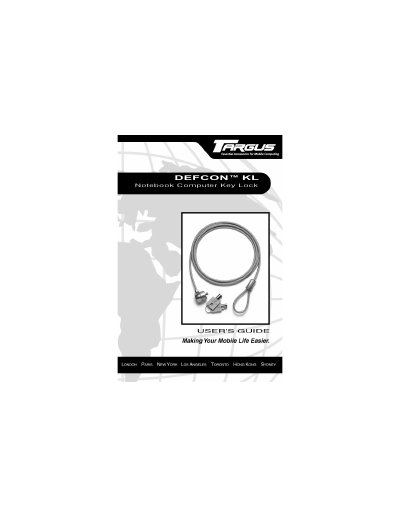
The DEFCON KL is a cut‑and‑tamper‑resistant key lock that secures a notebook computer to a heavy or immovable object. It comes with two keys and a 6‑foot steel‑cable loop.
The guide covers registration of the lock, step‑by‑step instructions for securing, locking, and unlocking the device, and details on warranty, technical support, and ordering replacement keys.
| Weight | 5.5 ounces (157 g) |
|---|---|
| Locking Device Dimension | 0.95 x 0.88 inches (24.3 x 22.5 mm) |
| Locking Device Diameter | 0.84 inches (21.4 mm) |
| Cable Length | 6 foot (1.83 m) |
| Cable Diameter | 0.16 inches (4 mm) |
| Color | Black Nickel |
Visit http://www.targususa.com/accessories/DefconKL.htm and provide your name, email, phone, key code, and a password.
Targus provides a one‑year warranty against defects in material and workmanship.
Choose a large, heavy piece of furniture such as a table or desk, or an immovable fixture like a closet hanging bar.