
This document is a user guide that introduces a compact, fast, and easy-to-use device. The equipment has been tested and complies with the European Council Directive on electromagnetic compatibility and the FCC Rules, providing reasonable protection against harmful interference in radio communications. If the equipment causes interference with radio or television reception, the user is encouraged to try various measures to correct the interference.
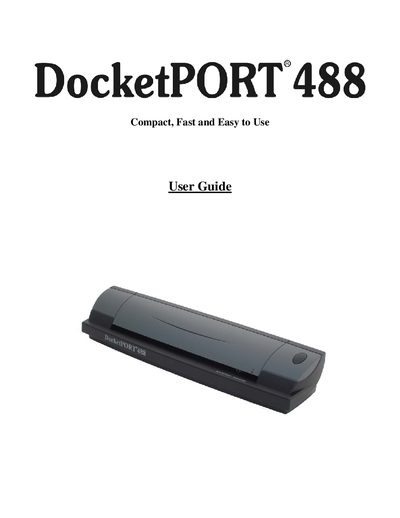
This guide introduces the DocketPORT 488 document scanner, lists the items included in the package, and explains the purpose of the manual. It covers software and hardware installation, driver setup, and how to uninstall the driver if needed.
The manual also details scanner calibration methods, usage tips, safety cautions, and warranty information, and provides contact details for technical support and spare parts.
| Warranty Period | 1 year |
|---|
Insert the installation CD, run Setup.exe, select “Install Scanner Driver” and follow the on‑screen prompts to complete the installation.
You can calibrate from Windows Control Panel (Devices and Printers → Scan properties → Advanced → Calibrate) or from the DocketSCAN II application by selecting the Calibrate button.
Try reorienting the receiving antenna, increasing the separation between the scanner and the receiver, moving the computer away from the receiver, or plugging the scanner into a different circuit.