
CAT5 Smart KVM Extender User Guide is a user guide for Minicom's KVM extender. It details the installation, use and configuration of the KVM extender.
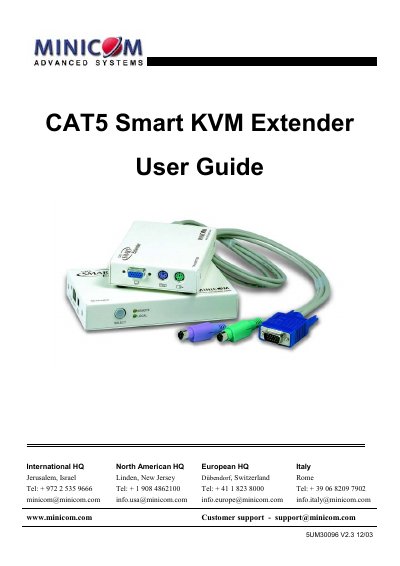
The Minicom CAT5 Smart KVM Extender allows a single computer to be controlled from up to two workstations over a CAT5 cable up to 110 m (360 ft). The guide explains system components, pre‑installation steps, cable connections, power requirements, and how to use the extender as a KVM switch or as a simple extender.
It also details configuration options, cascading multiple extenders, and provides a full list of technical specifications such as supported mouse types, operating systems, video resolution, and environmental limits. This manual is written in Chinese.
| Maximum distance | 110 m / 360 ft |
|---|---|
| Mouse support | 2‑, 3‑ or 5‑button PS/2, Wheelmouse |
| Supported operating systems | DOS, Windows (3x, 9x, 2000, NT, ME, XP), Novell, Linux, UNIX, HP‑UX, QNX, SGI, FreeBSD, BeOS, Open VMS |
| Screen resolution | Up to 1600 × 1200 @ 75 Hz |
| Operating temperature | 0 °C to 50 °C |
| Storage temperature | -40 °C to 70 °C |
| Dimensions (Transmitter) | 85 × 113 × 25 mm |
| Weight | 380 g |
| External power adapter | 6 VDC 2 A (P/N 5PS20025) |
It can extend KVM control up to a distance of 110 m (360 ft).
The receiver needs an external 6 VDC 2 A power adapter (part number 5PS20025).
Two users can access one computer, with access granted on a first‑come‑first‑served basis.
VGA – HDD15M, Keyboard – MiniDin6M, Mouse – MiniDin6M, System – RJ45.