
BlackArmor® NAS 440/420 User Guide, introduces the product features and characteristics of BlackArmor® NAS 440/420
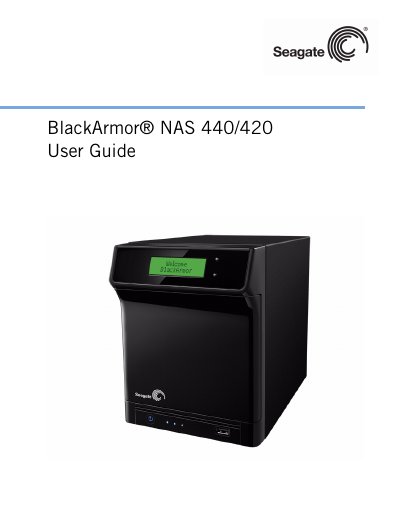
This guide covers everything needed to install, configure, and maintain the Seagate BlackArmor NAS 440/420. It includes detailed chapters on hardware components, software tools, user and administrator roles, and step‑by‑step procedures for initial setup, sharing files, and using advanced features such as link aggregation and remote access.
Technical specifications are listed in a dedicated section, describing network connections, USB ports, power requirements, disk drive configuration, physical dimensions, and operating environment limits. The guide also contains a glossary, index, and troubleshooting tips for common issues.
| Network Connection | 2 10/100/1000 Ethernet RJ-45 connectors |
|---|---|
| USB Ports | 4 USB 2.0 ports (1 front, 3 rear) |
| Power Supply | 90W external power supply (19V DC output) |
| Disk Drives | 4 SATA II drives, hot‑swappable, tool‑less carriers |
| Physical Dimensions | Height 200 mm, Width 160 mm, Depth 210 mm |
| Operating Environment | 5 °C to 35 °C (41 °F to 95 °F) |
It supports four SATA II disk drives that are hot‑swappable and use tool‑less carriers.
The server provides two Ethernet RJ‑45 connectors that support 10/100/1000 Mbps speeds.
A Windows PC (XP or Vista with Service Pack) or a Mac running OS X 10.4.11 or later, using a supported web browser.
Press the Reset button on the server to restore the default username and password.