
This is the user manual for Sinocan 19 inch All-in-One PC
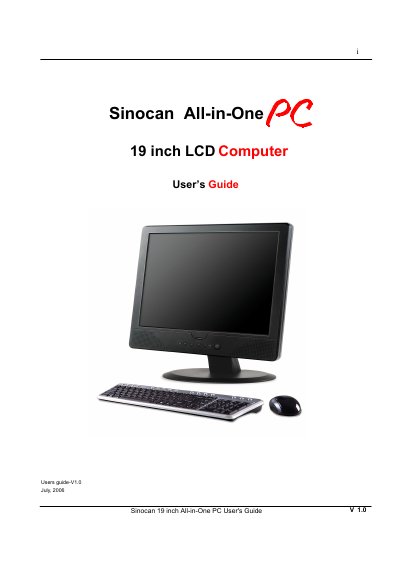
This manual introduces the Sinocan All‑in‑One 19" LCD PC, describing its hardware features, unpacking contents, and front‑panel controls. It guides users through first‑time startup, Windows XP installation, driver setup, and basic usage of the operating system and applications.
Additional sections cover BIOS configuration, hardware and software upgrades, OS re‑installation, troubleshooting tips, detailed product specifications, and warranty terms. Safety cautions and recommended operating conditions are also provided to help prevent damage and ensure reliable performance. This manual is written in Chinese.
| CPU | Intel Pentium 4/D (up to 3.8 GHz) / Celeron D (up to 3.2 GHz) |
|---|---|
| System Memory | 2 × DIMM, up to 2 GB DDRII 400/533/667 |
| Display | 19" TFT‑LCD, 1280×1024, LVDS interface, Intel GMA950 graphics |
| Storage | 3.5" SATA HDD up to 500 GB, optional DVD‑ROM/CD‑RW drive |
| Power Adapter | 180 W AC/DC power adapter |
The free warranty service period is one year from the date of purchase.
The PC is designed to run Windows XP Home Edition.