
This manual introduces the features of the Vetta C-16 cycle computer, including speedometer, automatic ride time stopwatch, speed comparator, trip odometer, average speed, cumulative odometer etc.
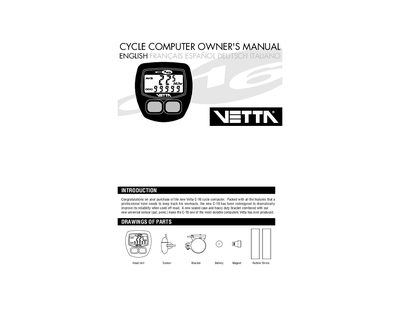
This manual introduces the Vetta C-16 cycle computer, describing its features such as speedometer, trip odometer, automatic ride time stopwatch, freeze‑frame memory and digital clock. It also provides safety warnings and recommends professional installation.
Detailed sections cover battery installation, button functions, programming wheel size and units, sensor mounting, bracket and head‑unit installation, testing, and warranty information. The guide is intended for cyclists and qualified retailers who need to set up and maintain the device.
| Speedometer accuracy | 0.5 mph or kmph |
|---|---|
| Cumulative odometer range | 0 to 99 999 mi or km |
| Maximum speed display | Shows fastest speed traveled |
| Battery type | 186 1.5 V button cell |
| Factory preset wheel size | 2074 mm (700 × 20c) |
| Auto shut‑down timer | 5–10 minutes of non‑use |
Remove the battery cover with a small flat‑head screwdriver, insert a new 186 1.5 V button cell with the positive side facing the compartment, and press the battery cap firmly into place.
Press the left computer key (B) for about one second; the entire display will flash to indicate that freeze frame memory is active.
Enter wheel‑size setting mode by pressing the right key (A) after selecting miles or km, then use the left key (B) to adjust each digit and press the right key (A) to confirm each digit until the correct size is entered.