
This is an instruction manual for VR Technology Limited NHEO Dive Computer, which mainly introduces the functions and features of the product and how to use it
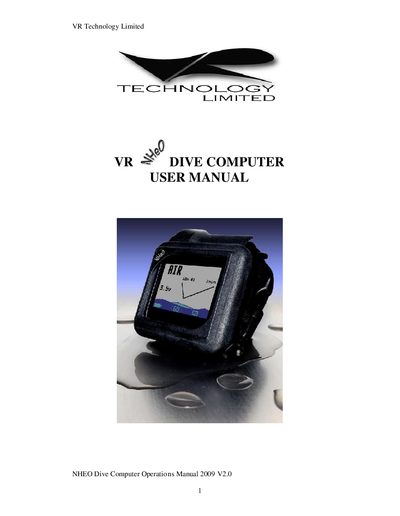
This manual explains how to get started with the NHEO VR dive computer, including battery installation, switch operation, and initial configuration. It covers the Home screen layout, pre‑dive checks, and how to select and adjust gases, as well as the PIN upgrade system for additional features.
Later sections describe maintenance tasks such as battery cap care, switch maintenance, and troubleshooting common problems like a unit that will not turn on. The specifications at the end list depth limits, battery life, and other technical parameters.
| Depth limit | 150 m (calibrated) |
|---|---|
| Time limit | 9999 min 59 s |
| Maximum deco stops | 99 levels |
| Number of gases | 4 |
| Battery life | Up to 100 hours |
| Sleep mode duration | Approx. 1 year |
| Dive memory capacity | Approx. 80 hours |
| Record resolution | 10 seconds |
| Logbook dives | 99 |
| Operating temperature | 0 °C to 40 °C |
| Depth accuracy | +0.1 m max |
Press and hold either of the two slide switches; the Home screen will appear as the first display.
Leave the unit with the battery installed for about three minutes to reset; if it still does not start, check the battery cap for tightness and ensure the pinhole on the rear is not blocked.
The computer can store up to four different gases.