
This is a manual about the NGC-MAX telescope computer
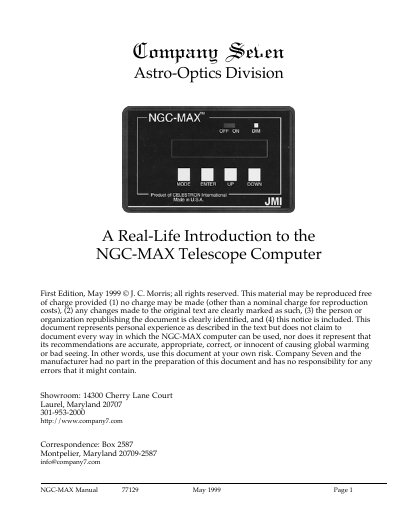
This document is a real‑life introduction written by an experienced user of the NGC‑MAX telescope computer. It explains how the device works, what is included in the box, and how to connect it to encoders and a personal computer.
Key sections cover getting started, power‑on checks, connector wiring, basic configuration, alignment procedures, and tips for field use. The guide also notes what the NGC‑MAX can and cannot do, such as displaying coordinates but not driving telescope motors.
| Battery type | Standard alkaline 9‑volt |
|---|---|
| Battery life (low brightness) | ≈25 hours |
| Database size | 12,047 unique objects |
| Serial port speed | 9600 bps |
| Display brightness levels | 5 levels |
It comes with a standard alkaline 9‑volt battery installed.
JMI states the unit can run for about 25 hours on a fresh battery when the display is set to the lowest brightness.
No, the device only displays coordinates and does not have motor‑drive connectors.