
This manual introduces the basic functions and operation methods of the Liquivision XEO series dive computers, including software version 2.52.
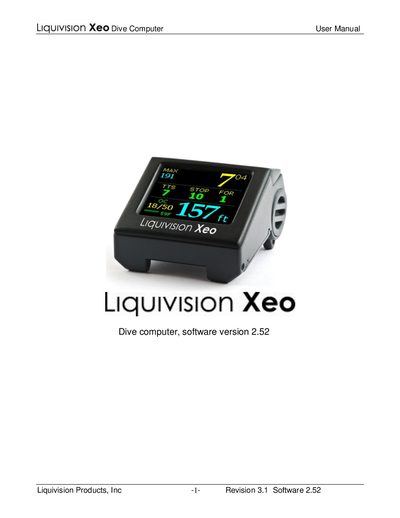
This manual introduces the Liquivision XEO dive computer, a color OLED unit designed for air, nitrox and trimix diving. It explains how to register the unit, configure gradient factors, time/date, battery type, and how to use the tap‑based navigation on both surface and underwater menus.
Key sections cover diving modes (Deco and Gauge), battery care, PC interface for log download and firmware updates, safety notices, and warranty information. The guide also includes troubleshooting tips and contact details for Liquivision support.
| Maximum depth | -200 m (656 ft) |
|---|---|
| Display | 6‑color OLED |
| Battery | User‑changeable lithium, disposable or rechargeable |
| Operating temperature | -0 °C to 40 °C (32 °F to 104 °F) |
| Dive log memory | 3500 hours (lifetime) |
Visit the registration page at http://www.liquivision.com/activate.php and enter your serial number and personal details to receive a free Unlock PIN.
The XEO is rated for a maximum depth of 200 meters (656 feet).
The device stores a lifetime dive log of up to 3500 hours of diving data.