
This manual introduces the various functions and usage methods of the M620-DC/ M620-UC notebook computer.
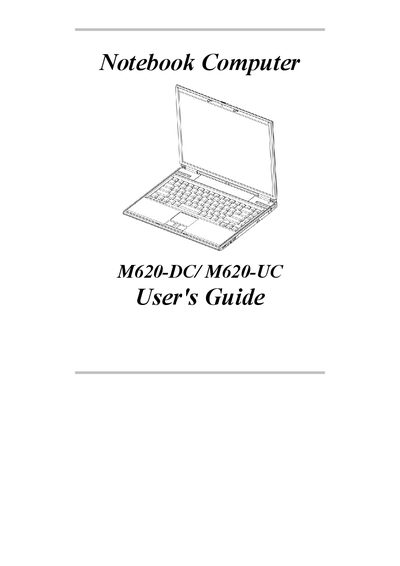
This guide covers everything you need to know before using the M620-DC or M620-UC notebook, including unpacking, hardware components, keyboard functions, battery handling, memory upgrades, and peripheral connections. It also contains appendices with a glossary, error log, regulatory notices, and detailed specifications.
Key sections describe the notebook’s power management, supported operating systems (Windows 2000 and XP), environmental limits, and special features such as hot‑keys, touch‑pad operation, and PCMCIA expansion options.
| Operating Temperature | 210°C to 35°C |
|---|---|
| Non‑Operating Temperature | -20°C to 60°C |
| Humidity | 20% to 80% non‑condensing |
| Shock Tolerance | 5G operating, 60G non‑operating |
| Vibration Tolerance | 3‑200 Hz @ 1.0G operating, 3‑200 Hz @ 1.5G non‑operating |
| Maximum Memory | 2048 MB (2 GB) |
| Supported Operating Systems | Windows 2000, Windows XP |
The notebook supports Windows 2000 and Windows XP.
The notebook can be upgraded to a maximum of 2048 MB (2 GB) of memory.
The operating temperature range is 210°C to 35°C, and the non‑operating range is -20°C to 60°C.