
This document is a user's guide for the SoMo ® 650 handheld computer, describing the features and characteristics of the product.
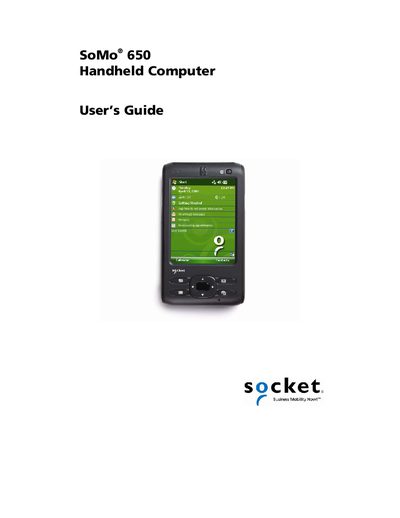
The SoMo 650 is a durable, Windows Mobile‑powered handheld computer designed for business mobility. It supports Bluetooth, Wi‑Fi, and a range of Socket and third‑party peripherals.
This guide covers safety precautions, package contents, initial setup steps, hardware features, Wi‑Fi Companion usage, barcode scanner integration, software installation, specifications, maintenance, troubleshooting, warranty, and regulatory compliance.
| Battery capacity | 1200 mAh or 2600 mAh |
|---|---|
| Operating system | Windows Mobile |
No, opening the device will void the warranty.
A flashing blue LED means the Bluetooth radio is on.