
This manual introduces the features and usage of the SVW901 SIP Wifi phone
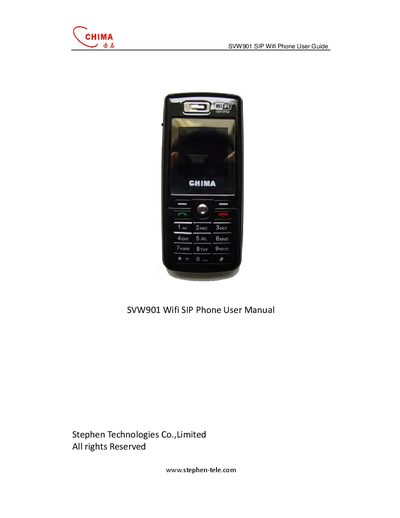
The SVW901 is a SIP‑compatible Wi‑Fi phone with a color LCD, 18‑key keypad, navigation keys, and built‑in microphone and speaker. It supports multiple conversation modes, handset naming, and customizable ring settings.
The guide walks users through first‑time start‑up, battery installation and charging, network connection, SIP account configuration, call handling, and provides detailed specifications such as operating temperature, battery life, and regulatory certifications.
| Operating temperature | 0 — 40°C |
|---|---|
| Storage temperature | -20 — 60°C |
| Operating humidity | 20 — 80% |
| Battery capacity | Li‑polymer 500mAh, 3.7 V |
| Talk time | 7 hours |
| Standby time | 120 hours |
| Power adapter current | 500 mA |
Charging an empty battery takes approximately 5 hours.
Press the * key for 2 seconds on the idle screen to toggle silent mode.