
This document is the user guide for DSG SoftPhone and USB Phone series, providing information on their installation, usage, and features. DSG SoftPhone is a software application running on computers that synchronizes with USB Phone series such as S200 and S300. DSG SoftPhone provides a web-based telephone interface that facilitates call processing and account management. DSG S200 and DSG S300 are USB phones connected to the computer via a USB plug. They provide clear voice quality, allowing bypassing the sound card to avoid possible distortion during calls. Supported by the DSG ITSP (Internet Telephony Service Provider) Network, users can make calls to any regular phone in the world at low rates or to other DSG VoIP devices such as GoldStar, GoldStar970, IPStar, InterStar, InterPhone, IP770, IP870, or DSG SoftPhone.
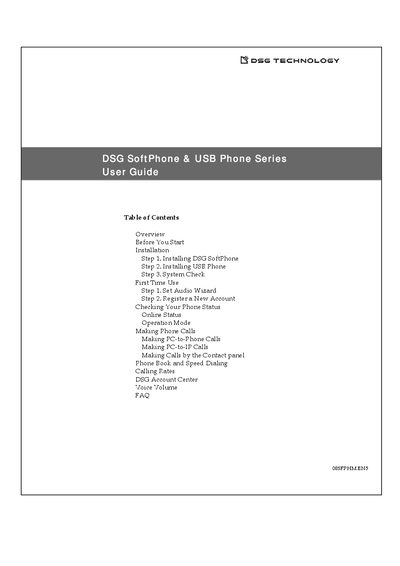
The DSG SoftPhone & USB Phone Series User Guide provides an overview of the SoftPhone software and the S200/S300 USB handsets, describing how they work together to place PC‑to‑Phone and PC‑to‑IP calls. It includes system requirements, installation steps, and first‑time configuration.
Key sections cover installing the SoftPhone application, connecting the USB phone, performing a system check, setting up audio, registering a DSG ITSP account, making various types of calls, and troubleshooting common issues such as audio problems or driver errors.
| Supported operating systems | Windows 98SE, ME, 2000, XP, Vista |
|---|---|
| Minimum CPU | Pentium 166 MHz or higher |
| Minimum RAM | 32 MB |
| Minimum hard‑disk space | 10 MB |
| Required USB port | Available USB port |
| Internet browser requirement | Microsoft Internet Explorer 4.0 or later |