
This manual describes the features and operation procedures for the Arista DKP30 or DKP50 series key telephone.
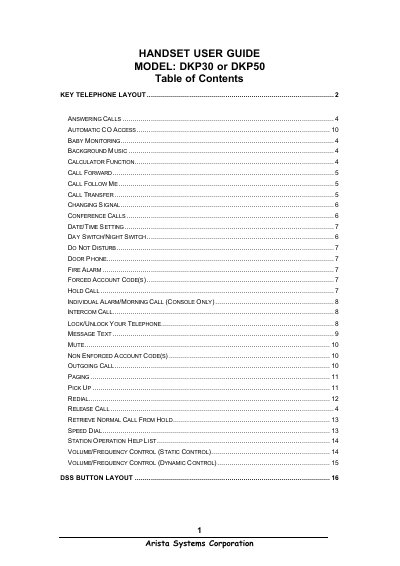
This manual explains how to operate the Arista DKP30 and DKP50 handsets. It includes instructions for answering calls, using intercom functions, setting date and time, and accessing special features such as baby monitoring, background music, and calculator functions.
The guide also details advanced functions like call forwarding, conference calling (up to three parties), speed‑dial programming, volume and frequency control, and the layout of DSS buttons for both DKP30 and DKP50 series.
| Maximum conference parties | 3 |
|---|---|
| Speed‑dial storage capacity per handset | 20 numbers |
Lift the handset or press the [SPK] button on hands‑free models.
Press the [CONF/DND] key to toggle Do Not Disturb on or off.
A conference call can include up to three parties.