
The AT-320 IAX2 Phone User Manual (V1.43) provides information on the appearance, features, configuration, upgrade, and usage of the AT-320 IAX2 phone, as well as frequently asked questions.
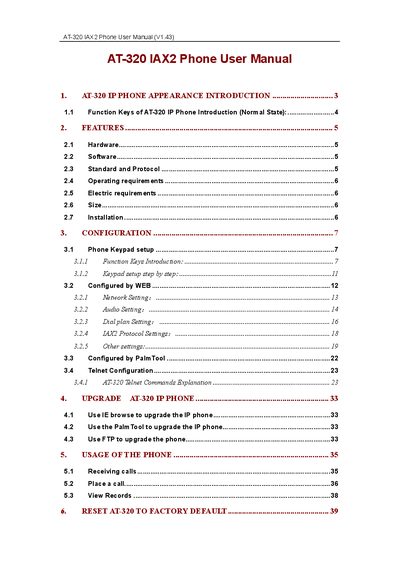
This manual describes the AT-320 IP phone hardware, software features, and supported standards. It includes detailed installation steps, network configuration, and upgrade procedures using web, Telnet, FTP, and PalmTool.
The guide also covers daily usage such as making and receiving calls, speed‑dial, call transfer, and resetting the device to factory defaults. Frequently asked questions and troubleshooting tips are provided at the end of the document.
| Main chip | PA1688 50MHz |
|---|---|
| Data Memory | 16 MB SDRAM |
| Program Memory | 8 MB Flash |
| Ethernet Jack | 10/100 M Ethernet |
| Power Adapter Output | 12 V DC, 450 mA |
| Operating Temperature | 0 °C to 40 °C |
| Storage Temperature | -30 °C to 65 °C |
| Humidity Range | 10 % to 90 % (no dew) |
| Dimensions | 200 mm × 195 mm × 87 mm (L × W × H) |
Select the reset option in the phone menu as detailed in section 6 to restore all settings to factory defaults.
Press the F2 key, which is designated as the Speed Dial key.
The dial plan defines customized dialing rules and number formats for the phone.