
This quick start guide provides information on how to install and use the Cordless DUALphone, as well as a description of the product's features and functions.
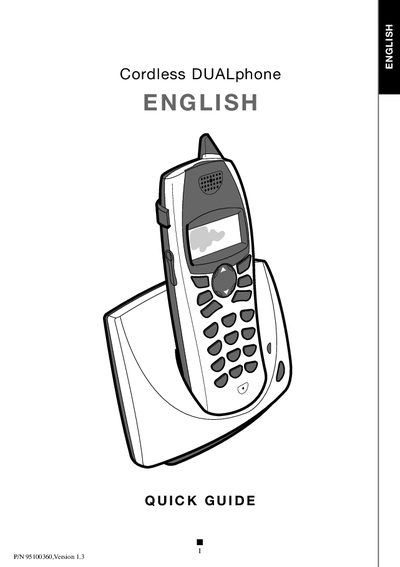
This Quick Guide walks you through unpacking the Cordless DUALphone, assembling the base station, connecting power and telephone lines, and inserting the rechargeable battery pack. It also explains the handset’s buttons, display icons, and basic operation steps.
The guide includes a troubleshooting section that helps resolve common issues such as registration problems, battery charging, and connectivity errors, with clear possible causes and solutions.
| Battery pack | Rechargeable |
|---|
Insert the battery pack as indicated and close the battery compartment cover.
Make sure the power supply is connected, place the handset correctly on the base, wait about 60 seconds, then try to register again.