
This document is the user manual of AX50 color screen digital mobile phone. It mainly introduces the basic knowledge, precautions before use, connecting to the network, dialing calls, answering calls, checking call records and other functions.
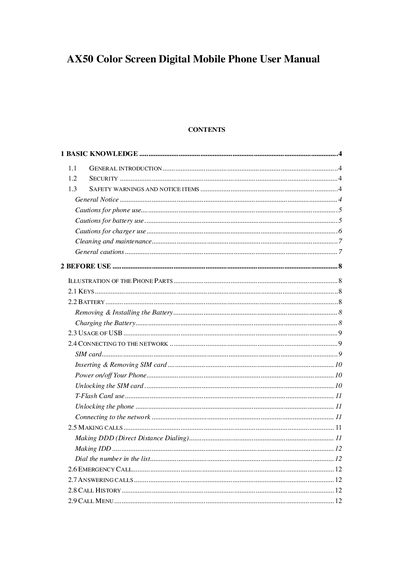
This manual provides basic knowledge, safety warnings, and step‑by‑step instructions for using the B07 color‑screen digital mobile phone. It explains how to install the battery, charge the device, insert SIM cards, and operate the function menu.
Additional sections cover keypad definitions, shortcut keys, multimedia functions, and detailed safety precautions for battery, charger, and handset handling.
The battery is removed and installed at the head side of the handset as described in the manual.