
This is a user manual for the Dynamix IP Phone.
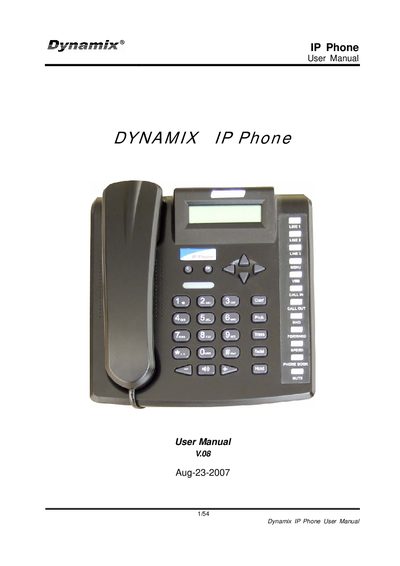
This manual explains how to install, configure, and operate the DW IP Phone safely. It includes safety warnings, warranty information, and guidance for authorized personnel.
The guide covers hardware details, software features, keypad operations, web‑based configuration, SIP settings, codec support, and advanced functions such as call transfer, conference, and Do Not Disturb. Firmware upgrades and engineering utilities are also described.
| Ethernet ports | 2 RJ‑45 ports, 10/100 Mbps |
|---|---|
| LED indicator | 1 LED for status display |
| SIP protocol versions | RFC2543 (v1) and RFC3261 (v2) |
It has two RJ‑45 ports that support 10/100 Mbps Fast Ethernet.
Use the web‑browser setup menu and select "Update Rom firmware" to upgrade the firmware.