
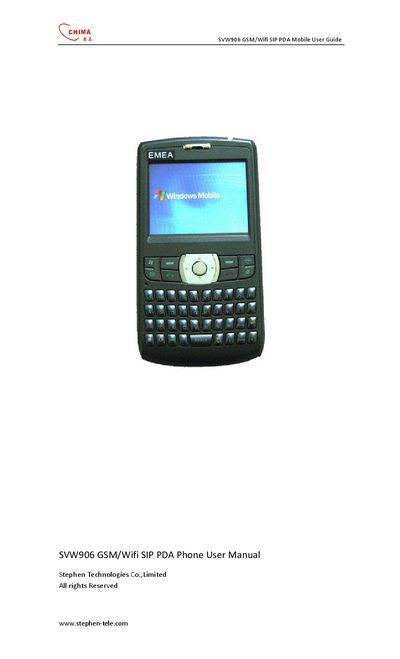
This guide introduces the SVW906 GSM/Wi‑Fi SIP PDA, covering safety warnings such as explosive atmospheres, aircraft restrictions, and medical equipment interference. It explains how to insert the SIM and Mini‑SD cards, manage the battery, and navigate the device’s screen, keyboard, and transcriber features.
The manual also details phone functions, making and receiving calls, synchronization options (ActiveSync, Outlook, Bluetooth, Wi‑Fi), internet sharing, messaging (SMS, MMS, Windows Live Messenger), and audio/connectivity specifications like Bluetooth, Wi‑Fi, infrared, and supported audio codecs.
| Wireless connections | Bluetooth, Wi‑Fi |
|---|---|
| Expansion slot | Mini SD card |
| Audio codecs | AMR/AAC/WAV/WMA/MP3 |
| Infrared | IrDA SIR |
No, using this product on board an airplane is against the law in most countries.
Insert the SIM card as described in the 'Inserting the SIM Card' section.
Use the Bluetooth settings to turn Bluetooth on or off on the device.
The device supports Bluetooth and Wi‑Fi wireless connections.