
This document is the user manual for SVP307 SIP VoIP phone, including installation steps, LCD display, setting changes, configuration parameters, other settings, FAQ, performance and features.
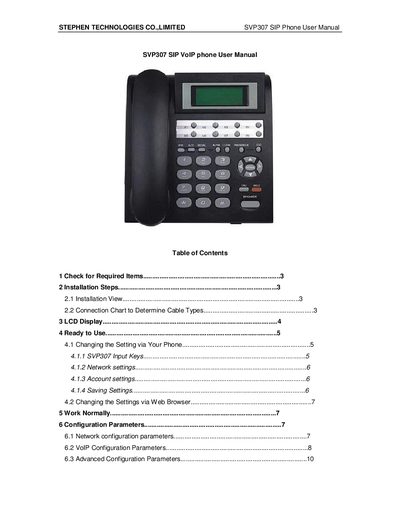
The SVP307 SIP phone manual provides step‑by‑step instructions for unpacking, installing, and configuring the device. It details required items, cable types, LCD status indicators, and how to set up network and VoIP parameters via the phone or a web browser.
Technical specifications such as dimensions, power requirements, network interface, environmental limits, and recommended network conditions are listed, along with safety warnings and warranty information.
| Dimensions (L×W×H) | 208 mm × 197 mm × 68 mm |
|---|---|
| Power supply | 12 V DC, 500 mA |
| Power adapter input | AC 100‑120 V (USA, Japan) or 220‑240 V (China, Europe) 47‑63 Hz |
| Network interface | IEEE 802.3 10/100 Base‑T |
| EMC compliance | FCC Part 15 Class B / CE |
| Operational temperature | -10 °C to 40 °C |
| Storage temperature | -40 °C to 55 °C |
| Humidity range | 10 % to 90 % non‑condensing |
| Maximum network delay | < 400 ms |
| Maximum jitter | < 100 ms |
| Maximum packet loss | < 10 % |
| Minimum required bandwidth | 30 kbps |
The default network mode is DHCP, which automatically obtains IP address, subnet mask and other parameters.
The phone requires a 12 V DC supply at 500 mA, with an AC power adapter supporting 100‑120 V or 220‑240 V input.