
This document is the user manual of PUMA phone. It introduces the functions, settings and usage skills of the phone.
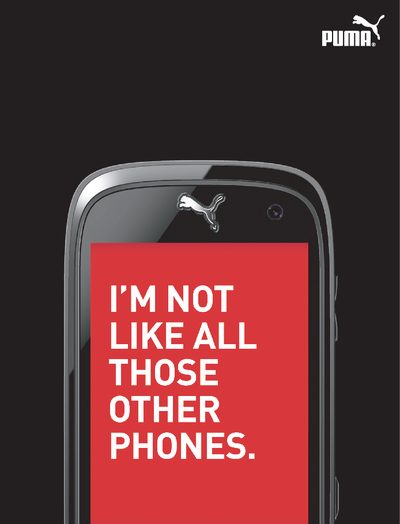
This manual covers the basic operation of the PUMA Phone, including menu navigation, key functions, camera usage, and audio controls. It explains how to switch the device on and off, manage contacts, and customize the favourites menu.
Additional sections describe technical specifications such as supported network bands, charging options (including solar), safety information, and regulatory declarations. The document also includes quick‑start steps, sport and lifestyle application guides, and warranty details.
| Supported GSM bands | 850 MHz / 900 MHz / 1800 MHz / 1900 MHz |
|---|---|
| Charging options | USB charger, solar (SUN) charger |
| Proximity / light sensor | Automatic lock and back‑light adjustment |
Press the power key; a short press turns the phone on, and a long press turns it off.
Press the camera key to open the preview screen, then press it again to capture a photo or start video recording.
Use the right key – a short press changes the call volume.