
This document is the user guide for the 8200/8200a cordless telephone. It introduces the features of the product, such as phonebook, caller ID, hands-free function, and integrated digital answering machine.
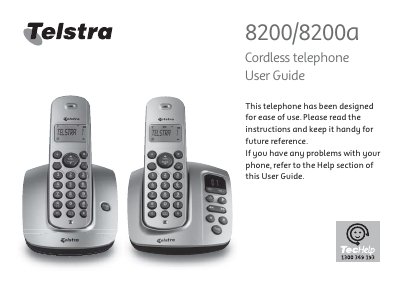
This guide covers everything you need to know about the Telstra 8200 and 8200a cordless telephones, including installation, basic operation, phonebook management, and the optional answering machine on the 8200a model. It also explains safety precautions, battery handling, and warranty information.
Key sections include safety instructions, step‑by‑step installation, detailed usage instructions (making calls, three‑way chat, call waiting), phone settings, and troubleshooting help. The guide also provides contact details for Telstra technical support and service warranty procedures.
| Battery type | NiMH (Nickel Metal Hydride) rechargeable |
|---|---|
| Ringer Equivalence Number (REN) per handset | 0.1 |
| Maximum total REN allowed | 3 |
| Radio technology | DECT (Digitally Enhanced Cordless Telecommunications) |
| Digital features | Digital clarity, range and security |
| Power requirement | Requires electricity; will not work during power failure |
Each handset has a REN of 0.1 and the total REN allowed is 3, so up to 30 handsets can be connected.
You need to subscribe to Telstra’s Calling Number Display service.
Turn on the answering machine in the Answering Machine section of the guide.
The handset uses supplied NiMH (Nickel Metal Hydride) rechargeable batteries.