
This is a business IP phone designed for power users in the office environment. It features a fashion and sleek design, abundant telephony applications, broad interoperability with the popular 3 party VoIP products, rd fulfilling the VoIP deployment needs from enterprise and ITSP.
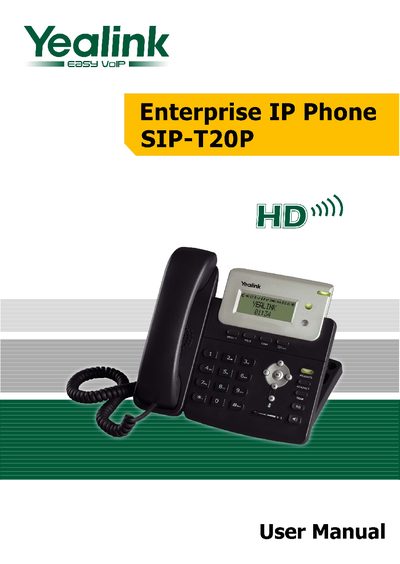
This manual covers everything needed to get started with the Yealink SIP‑T20P Enterprise IP Phone, including the packing list, assembly steps, and basic network connection using either an AC adapter or PoE. It also explains how to configure the phone via the web interface, set up DHCP or static IP, and adjust general settings such as language, time, and audio.
Advanced sections describe account settings, administrator mode, firmware updates, and detailed troubleshooting for registration, network issues, audio problems, and SMS functionality. The guide helps administrators and end‑users ensure reliable VoIP operation in office environments.
| Power Supply Options | DC5V adapter or PoE |
|---|---|
| Network Connection | Ethernet WAN port (PoE or AC adapter) |
Check the IP address, gateway, DNS server, account information, SIP server status, and SIP register port (default 5060).
Open the phone’s web page, go to Upgrade, select the firmware file, and click the Upgrade button.
Select the time zone or manually enter the time information via the web interface or the phone menu.