
This document describes the features and characteristics of a mobile phone, including adjusting ring volume, setting ringtones, locking the phone, changing PIN codes, etc.
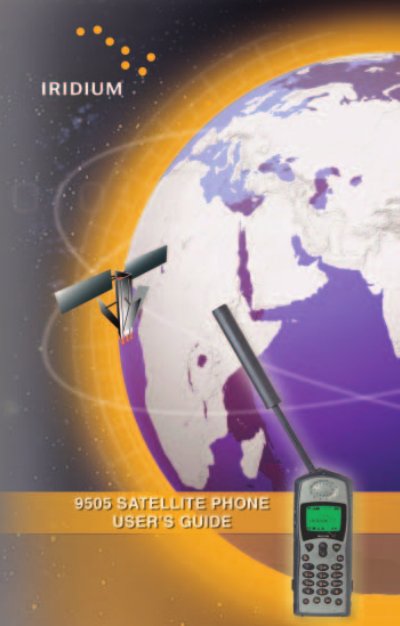
The Iridium 9505 Satellite Telephone works exclusively within the Iridium Satellite Communications System and is designed for rugged, remote‑area use. It is small, lightweight, and resistant to water, dust, shock, and extreme environmental conditions.
This guide covers how to install the SIM card, extend and lock the antenna, power the phone, navigate menus, make and receive calls, adjust volume and ringer settings, and use special features such as call forwarding and voicemail. It also includes quick‑reference tables for common functions.
Rotate and fully extend the antenna into a vertical position.
Press * and # keys simultaneously to lock the keypad.