
This document is a user guide for single line telephone sets and describes the available calling features. It provides instructions on how to activate these features using the telephone keypad. The document also mentions optional features such as voice mail and call waiting.
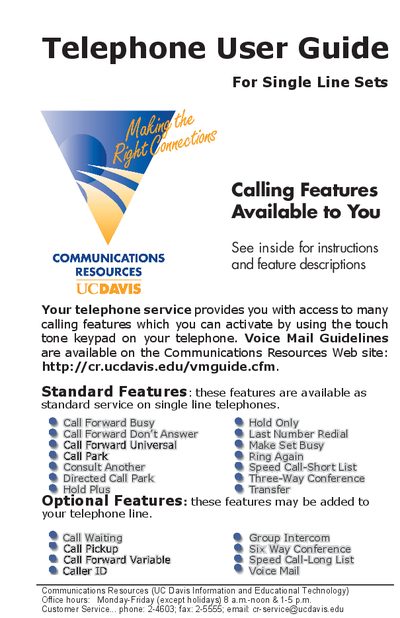
This guide explains how to activate and deactivate the calling features available on single‑line telephones, such as Call Forward, Hold, Transfer, and Conference. It includes step‑by‑step key sequences (LINK, *‑codes, #) and notes on feature behavior.
A quick‑reference section lists the most common feature codes and voice‑mail service numbers for fast access on campus phones.
| Voice Mail service number | 752‑8629 |
|---|
Lift the handset, press *50, and dial the telephone number where calls will be forwarded.
Lift the handset, press *95, dial a one‑digit entry code, dial the phone number, then press #.
Press the LINK key, then press *91 to activate Hold Plus; press *91 again to deactivate.
Press *85 and dial your own telephone number.