
This manual provides basic information on the Konftel 100 conference phone, including connections, accessories, spare parts, calling, incoming calls, outgoing calls, three-way calls, flash key programming, redial, conference key, volume control, mute, tuning, ring volume, troubleshooting and maintenance
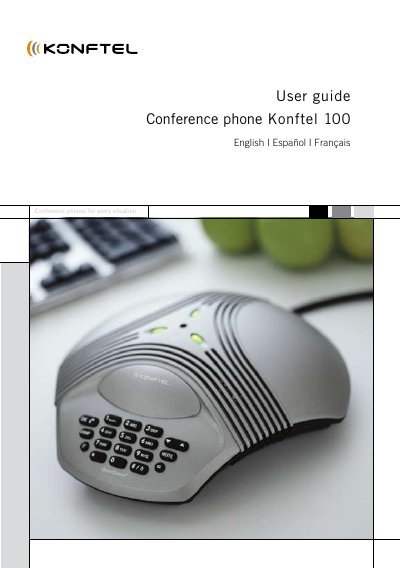
This guide covers everything you need to get the Konftel 100 conference phone up and running, including the items supplied, safety warnings, and connection instructions. It explains how to connect the phone to a POTS line, power supply, and optional accessories.
The manual details calling functions such as incoming, outgoing and three‑way calls, key programming (Flash, Conference, Redial), volume and audio controls, and provides troubleshooting steps, maintenance tips, and full technical data for the device.
| Power supply | DC transformer 120 V AC/12 V DC; 700 mA |
|---|---|
| Network interface | Analog PBX or POTS, RJ‑11 |
| Recommended room reverberation time | <0.5 sec |
| Frequency response | 200–3700 Hz |
| Loudspeaker volume | 85 dB SPL |
| Dimensions | Diameter 9 in (232 mm) |
| Weight | 1.5 lb (700 g) |
| Operating temperature range | 41–104 °F (5–40 °C) |
| Humidity range | 20 %–80 % non‑condensing |
| Approvals | FCC Part 68, FCC Part 15, ICES‑003, UL60950, CAN/CSA C22.2 |
Press the OK key when the ring signal is heard; the green microphone indicators will light.
Hold the Flash key for three seconds until the green LEDs flash and you hear three short beeps, then enter the desired F‑pulse time and press OK to save.
Use the Up/Down key to increase or decrease the speaker volume while on a call.