
This document is the user guide for BaracodaManager J2ME for SonyEricsson phones, which introduces how to use this application to connect and read data from Baracoda Bluetooth barcode scanners.
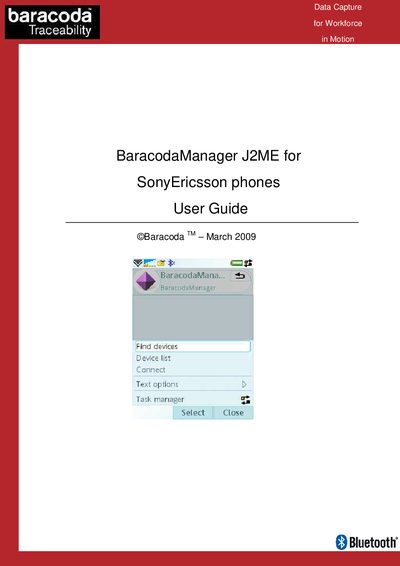
The BaracodaManager J2ME application runs on SonyEricsson phones that support Bluetooth. It demonstrates how to connect to Baracoda Bluetooth barcode readers and display incoming data on the phone.
The guide walks users through activating Bluetooth, launching the app, finding and connecting to readers, using the autoconnect feature, reading barcode/RFID data, and disconnecting the device.
| Supported phones | Any SonyEricsson model with Bluetooth |
|---|---|
| Autoconnect | Enabled by default |
Make sure Bluetooth is activated on the phone; refer to the phone’s manual for instructions.
Yes, BaracodaManager enables the autoconnect feature by default to reconnect lost readers.
Select the “Disconnect” option from the application menu.