
This document is a user manual for the CHAT 150 Group Speaker Phone. The manual provides an overview of the product, service and support information, important safety information, unpacking instructions, replacement parts and accessories, and Chat 150 configurations.
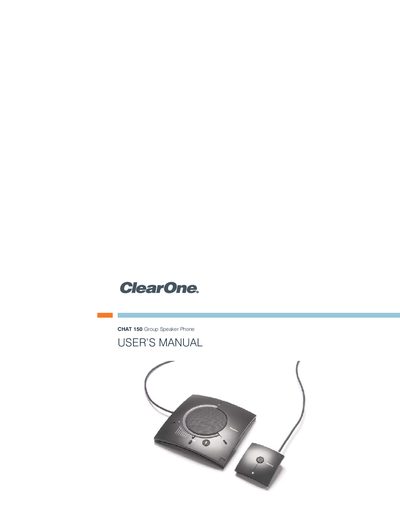
This manual introduces the ClearOne Chat 150 group speaker phone, describing its purpose for individual or small‑group use and its ability to connect to telephones, PCs, and video‑conferencing systems. It lists compatible devices and outlines the support resources available from ClearOne.
The guide walks users through unpacking, installing the Windows software, configuring the device for various platforms (Avaya, Cisco, USB, video‑conferencing), and performing routine maintenance and troubleshooting. Safety warnings, warranty information, and compliance details are also included.
| Power Supply (approved) | Glob Tek Model: GF 41052-1509; Phihong Model: PSAG5R-090 |
|---|---|
| USB Interface | Mini‑USB port |
Unplug the product before cleaning, avoid liquid or aerosol cleaners, and use only a damp cloth.
The box contains the Chat 150 unit, a USB or VC accessory kit, link cables, and a universal power supply.