
This document is the manual of a certain brand and model telephone. It introduces the layout of the handset, the layout of the base, the storage of VIP melody, the modification and deletion of VIP melody record, the setting of keyboard tone and the setting of area code.
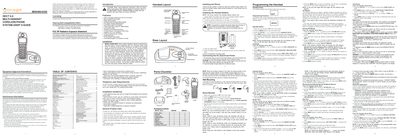
This guide covers the Vonage MD6400/MD6430 DECT 6.0 cordless phone system, including safety instructions, FCC compliance, and hearing‑aid compatibility. It lists the system’s features such as multi‑handset support, backlit keypad, caller ID display, and room‑monitor capability.
Detailed sections explain how to install the base and handsets, connect power and telephone lines, mount the unit on a wall, and program handset settings like language, ringer tone, VIP melody, and registration. Troubleshooting tips and care guidelines are also provided.
| Technology | DECT 6.0 |
|---|---|
| Supported Handsets | Up to 4 handsets |
| Phone Book Capacity | 50 names and numbers |
| Ringer Tones | 10 ring tones and 10 polyphonic tones |
| Hearing Aid Compatibility | Yes |
The system supports up to four handsets.
Press MENU, scroll to SET LANGUAGE, select 1ENG, 2FRA, or 3ESP, then press MENU to save the selection.