
This is a DECT 6.0 cordless telephone/answering system with caller ID/call waiting produced by AT&T.
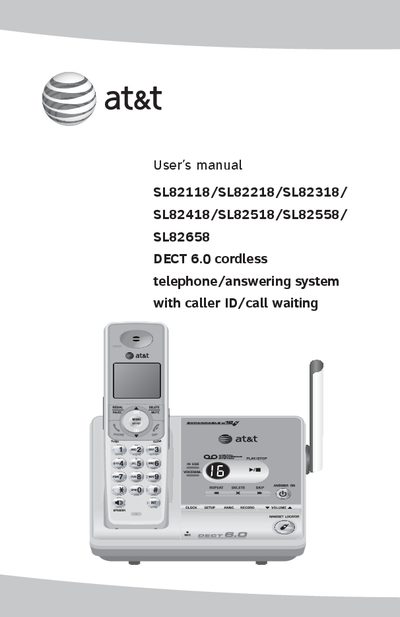
This manual covers safety information, parts checklist, and step‑by‑step installation for the AT&T DECT 6.0 cordless telephone and answering system. It explains how to install the battery, charger, handset accessories, and mounting bracket, and provides a quick reference guide for the handset and base indicators.
Detailed sections describe handset settings, telephone operation, caller ID, answering‑system features, directory management, remote‑access commands, and technical specifications. Appendices include screen icons, handset display messages, handset registration, maintenance, safety notices, FCC compliance, warranty, and troubleshooting procedures.
| Handset capacity | 1 (SL82118), 2 (SL82218), 3 (SL82318), 4 (SL82418), 5 (SL82518/SL82558), 6 (SL82658) |
|---|---|
| Technology | DECT 6.0 cordless telephone/answering system with caller ID and call waiting |
The IN USE indicator lights when the handset is in use, when the answering system is answering a call, or when you are registering a handset.
Press the DELETE/MUTE button during a call to mute the microphone.
Dial your phone number, enter the two‑digit access code (preset to 19), then follow the listed remote commands such as Play all messages or Delete all old messages.
The important safety information is located on pages 62‑64 of the manual.