
This manual introduces the basic operation and configuration methods of Citel IP Phone C4110, including installation, initialization, network settings, SIP settings, customized settings, configuration and management.
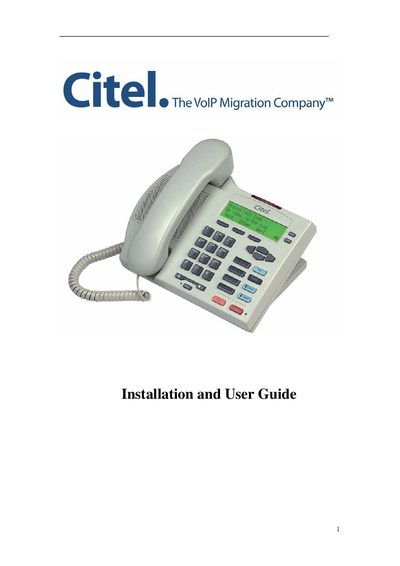
The Citel C4110 IP Phone is a three‑line VoIP device with a backlit display, soft keys, and PoE support. This guide provides step‑by‑step instructions for physical installation, network setup, and basic phone functions.
Key sections include connecting power and Ethernet, configuring network settings (DHCP, static IP or PPPoE), customizing ringer, volume and language, and troubleshooting common issues such as IP address discovery and registration status.
| Display | Three‑line backlit display with adjustable contrast |
|---|---|
| LED Indicators | Two lines supported with corresponding LED indicators |
| Soft Keys | Three screen‑driven soft keys |
| Programmable Buttons | 4 programmable buttons for auto‑dial and specific functions |
| Speaker | Full‑duplex speakerphone for hands‑free calls |
| Ethernet | Two‑port 10/100M Ethernet switch |
| Memory Keys | 8 button memory key expansion (optional) |
| Headset Jack | RJ9 headset connection |
| Hearing Aid Compatibility | HAC supported |
| Power over Ethernet | PoE (802.3af) supported |
The default IP address is 192.168.1.179 and the username/password are admin/admin.
Press the +} button on the phone to display its IP address.
Use the Set Options key in the menu to select a different language.
Enter the menu, press the Next soft key to reach ‘Reboot system’, then confirm the reboot.