
This manual describes the basic functions and use of the ACN IRIS 3000 video phone.
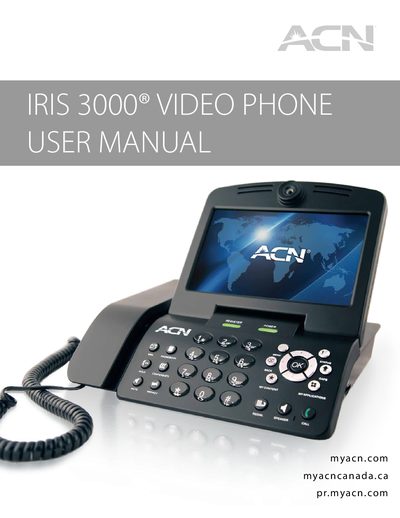
The IRIS 3000 is a video phone that combines voice, video, and data functions for residential or office use. This manual explains safety precautions, required network connections, and the components included with the device.
Key sections cover installation of the handset, basic call functions, menu navigation, system settings, digital photo frame features, and a troubleshooting guide to resolve common registration or connectivity issues.
| Required upload speed | 256 kbps or higher |
|---|---|
| Power adapter | Use the supplied ACN power adapter |
| Network connection | Ethernet cable to WAN port |
Pick up the handset or press the speaker button, enter the phone number, and press the CALL button.
Press the MUTE button to stop the other party from hearing you; press it again to release mute.
Press the MAIL button, enter the 4‑digit passcode (default 1234), then press 1 to retrieve messages.