
This user's guide describes the basic functions and operations of the LCD Speakerphone Station for the DXP, DXP Plus, and FX Series Digital Communications Systems.
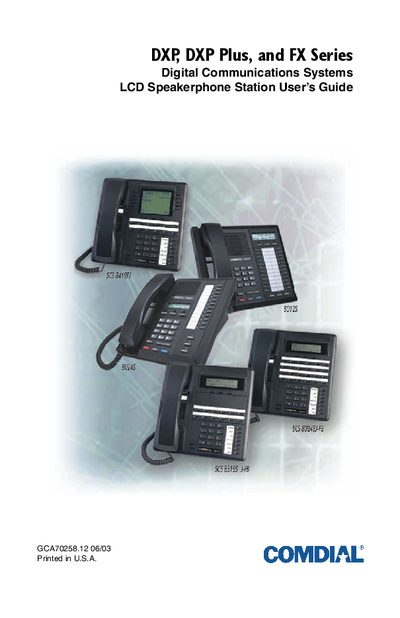
This guide covers the DXP, DXP Plus, and FX Series digital communications systems and explains how to install, configure, and use the LCD speakerphone stations. It includes detailed steps for positioning the speakerphone, adjusting display contrast, setting ringing tones, and managing volume levels.
The manual is organized into sections such as Getting Started, Answering Calls, Making Calls, Advanced Call Handling, Non‑verbal Messaging, Programming, and Appendices with feature codes and glossary terms, helping both end users and service personnel quickly find the information they need.
| Compatible Telephone Models | eImpact 8012S, eImpact 8024S, eImpact SCS 83248, eImpact SCS 8312S, eImpact SCS 8324F (Rev. A and later) |
|---|
Place the speakerphone on a hard surface within three feet of the microphone, avoid background noise sources, and keep it away from table edges or enclosures.