
This document is the user guide for DX-80 Cordless Phone
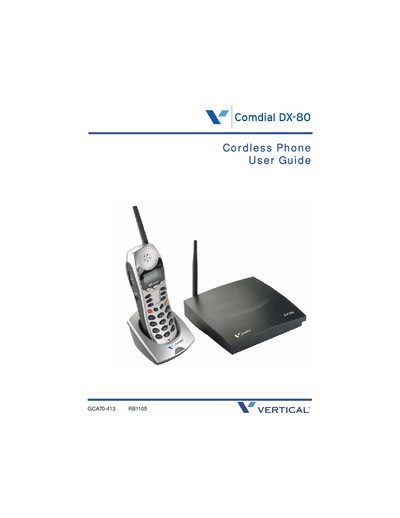
This user guide covers all aspects of the DX-80 cordless phone, including an introduction to the handset buttons, display usage, headset operation, and status indicators. It also details programming functions such as changing the display language, volume settings, call forwarding, and speed dial configuration.
The guide includes important FCC compliance information and troubleshooting tips for radio interference, with recommended actions such as re‑orienting the antenna or relocating the equipment. Safety and warranty notices are also provided.
If the phone causes radio or TV interference, you can re‑orient or relocate the receiving antenna, increase separation from the receiver, or connect the phone to a different circuit.
Use the System Programming Mode and select the "Changing Display Language" option (see section 2.1.1).
Follow the steps in the "Registering Your Phone" section to register the handset with the base.