
This file is Polycom telephone user manual, which introduces the basic functions of Polycom phone and PressOne phone's special functions
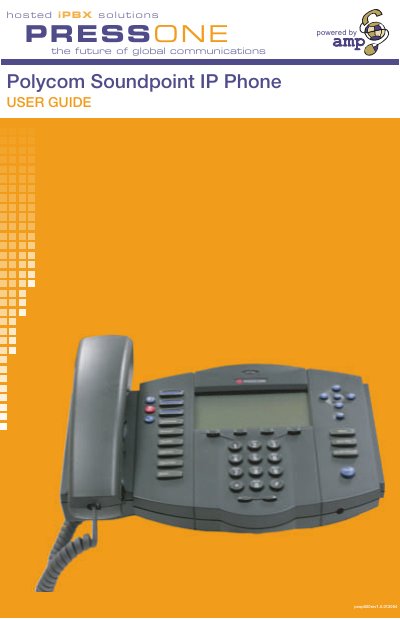
This guide describes the Polycom Soundpoint 400 and 500 IP phones, full‑featured devices that provide voice communication over an IP network. It covers basic operation such as answering calls, adjusting volume, and using the handset, speakerphone, or headset.
The manual also details advanced functions including call forwarding, anonymous call rejection, Do Not Disturb, Meet‑Me conferences, voicemail handling, and setting up Outlook for TAPI. Each feature is explained with the required dialing sequences and configuration steps.