
This document is the user manual of Port-O-Rotary phone.
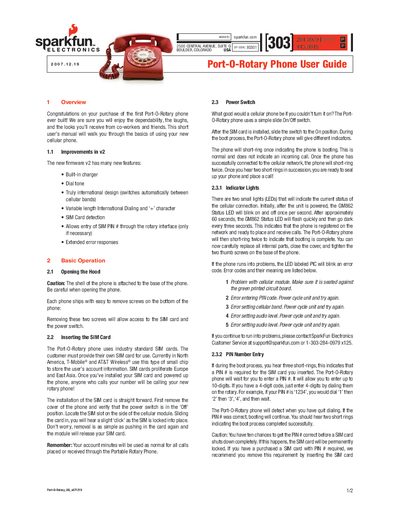
This guide walks you through the basics of using the Port-O-Rotary cellular phone, from opening the case and inserting a SIM card to powering the device on and interpreting indicator LEDs. It also covers firmware v2 features such as built‑in charger, dial tone, and international dialing.
Additional sections describe how to charge the Li‑Poly battery, adjust volume, place and receive calls, and resolve common error codes. Safety cautions and contact information for SparkFun support are provided throughout.
| Battery capacity | 2000 mAh |
|---|---|
| Talk time | 10 hours |
| Standby time | 4‑5 days |
| Charger output | 5 V 1 A |
| Maximum dial length | 15 digits |
| GM862 Status LED blink rate | once per second |
| Cellular band selection | North America first, then Europe |
Remove the phone cover, make sure the power switch is off, locate the SIM slot on the side of the cellular module, and slide the card in until you hear a click.
Connect the included 5 V 1 A charger to the back of the phone; the phone powers down while charging and will not receive calls during that time.
When three short rings are heard during boot, dial the PIN digits on the rotary dial (up to 10 digits). If the PIN is correct, the phone will continue booting and ring twice.