
This coffee machine is Executive Tempus Digital Coffee Maker model 298001000W. To use, plug in the machine, fill the water tank with cold water, close the water tank lid, place the coffee pot in the coffee machine, close the coffee pot lid, and press the power button to start brewing coffee.
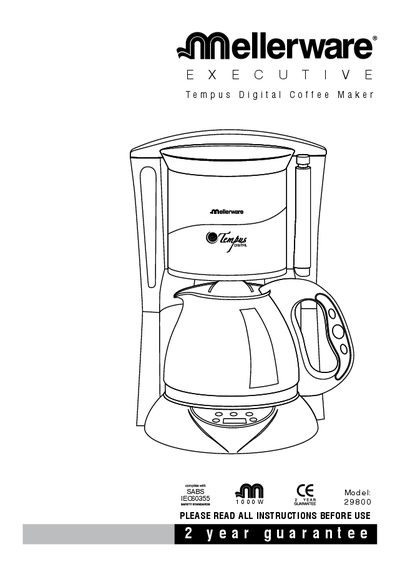
This manual explains how to install and use the Tempus Digital Coffee Maker, including first‑time setup, programming the timer, and brewing coffee. It details the control panel functions, display indicators, and button operations.
Additional sections cover cleaning, de‑scaling, safety precautions, and environmental disposal guidelines to help maintain the appliance and ensure safe operation over its lifespan.
| Power | 1000 W |
|---|---|
| Adjustable timer range | 23 hours 59 minutes |
| Warm‑keeping duration | 2 hours |
Press the “pro” button twice, set the required hours and minutes, then press the “auto” button to cancel or confirm the timer.
The heating element keeps the coffee warm for 2 hours before the appliance shuts off automatically.
De‑scale every 6 months when using soft water.
The red LED shows that the appliance is in the heating condition.