
This is an installation manual that introduces the installation steps of AXIS 214 network PTZ camera
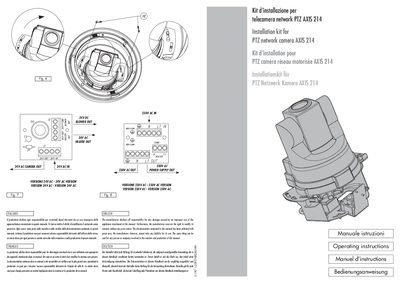
The document contains safety and liability notices followed by detailed installation procedures for the Axis 214 PTZ network camera. It explains how to connect the grounding cable, install a universal switch, and secure the heater plate and camera to the housing.
Installation steps cover both 24 V AC and 230 V AC heater power supplies, wiring of the power supply, mounting the heater plate, and aligning the camera pins before final fastening. The guide is multilingual, but the English sections give clear step‑by‑step instructions.
| Heater power supply voltage | 24V AC or 230V AC |
|---|---|
| Heater power supply voltage | 230V AC |
| Power supply output (24V) | 24V AC |
| Power supply output (230V) | 230V AC |
The heater can be powered with either 24 V AC or 230 V AC, depending on the installation.