
GasClam is a gas analyzer. This document is its user manual
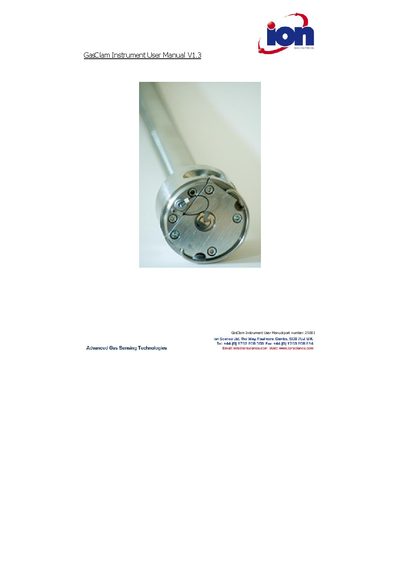
This manual provides step‑by‑step instructions for installing, powering on, and using the GasClam 25001 gas monitor. It covers packing contents, software installation, data sampling, and how to change batteries safely.
Technical details such as sensor types, measurement ranges, environmental limits, and certification information are listed, along with service and calibration procedures for field technicians.
| Methane sensor method | Infrared 0‑100 % range, 0.01 % resolution, ±5 % +1 digit accuracy |
|---|---|
| CO₂ sensor method | Infrared 0‑100 % range, 0.01 % resolution, ±5 % +1 digit accuracy |
| IP rating | IP68 (continuous submersion) |
| Operating temperature range | -5 °C to +50 °C (41 °F to 122 °F) |
| Weight | 6 kg (13.2 lb) |
Press and hold the button for two seconds; the red LED will flash rapidly indicating the unit has started sampling.
The two D‑cell batteries provide up to three months of operation when sampling once per hour.