
62A06-1 Programmable Remote Control User's Guide
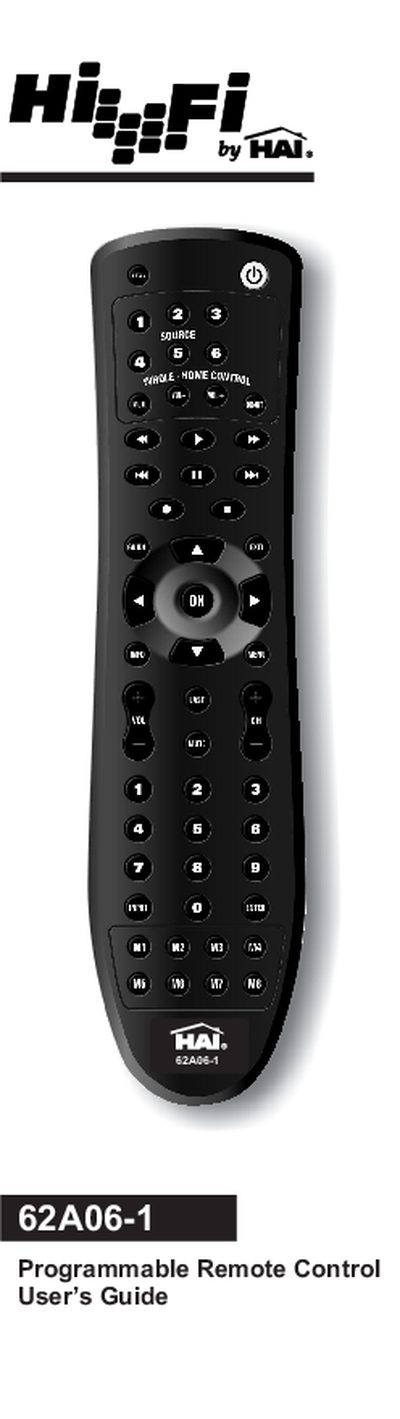
This guide introduces the 62A06-1 remote, which controls up to six audio components using built‑in infrared codes. It covers battery installation, basic button functions, and how to navigate the menu.
Detailed sections show how to program devices, search for codes, set volume lock modes, create both independent and mode‑dependent macros, use the learning feature, and resolve common problems.
| Battery type | 2 AA batteries (included) |
|---|---|
| Maximum controllable sources | 6 audio components |
| Macro key capacity | Up to 32 key presses per macro |
| Learning capacity | Approximately 16 to 25 learned keys |
Open the battery compartment cover on the back, insert two AA batteries matching the + and – polarity symbols, and replace the cover.
Turn on the device, press the desired source key, hold SETUP until the red LED blinks twice, then enter the five‑digit code; repeat for each device.
Hold SETUP until the red LED blinks twice, press the macro activation key (e.g., POWER), then enter up to 32 commands; finish by holding SETUP again.
Replace the battery with a new 3.3 V 203 lithium battery.