
This manual introduces the operation of the Kill A Watt™ Power Meter. This unit can provide you with years of service if properly cared for. The LCD will display all meter readings: Volts, Current, Watts, Frequency, Power Factor, and VA. The unit will start to accumulate KWH and powered duration time (hour) after power is applied.
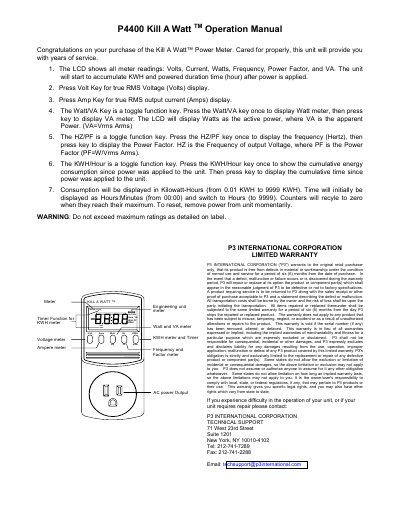
This manual provides instructions for operating the Kill A Watt P4400 Power Meter. It describes the LCD display of voltage, current, watts, frequency, power factor and VA, and explains the function of each key for toggling between measurement modes.
Safety warnings, reset procedures, and warranty information are also included. The unit records cumulative kilowatt‑hours and operating time, and the warranty covers defects for six months from purchase.
| Display parameters | Volts, Amps, Watts, Frequency, Power Factor, VA |
|---|---|
| Cumulative energy display range | 0.01 KWH to 9999 KWH |
| Cumulative time display range | 00:00 to 9999 Hours |
Press the Volt Key to display true RMS voltage.
Remove power from the unit momentarily to reset the counters.